

Knightslots Registration: How to Sign Up and Log In to Your Account
- Open the Knightslots site and click the sign-up button — you must be at least 18 years old, or the minimum legal age in your jurisdiction, to create an account.
- Enter your personal details in the registration form and choose a username and password; these credentials are how the operator identifies you on every visit.
- Confirm your account and log in with your username and password, or with the biometric login function if your device supports it.
- Prepare your KYC documents early: the operator accepts a copy of your passport, driving licence or an official ID as proof of age and identity.
- Complete verification before your first withdrawal so the payout is not held up by outstanding checks.
Getting a Knightslots account running takes minutes of form-filling, but the part that actually protects your money is verification — and most delays players face come from skipping it until withdrawal day. This guide walks through the sign-up form, the documents the operator accepts, the login flow and the account controls worth setting before your first deposit.
Creating a Knightslots Account Step by Step
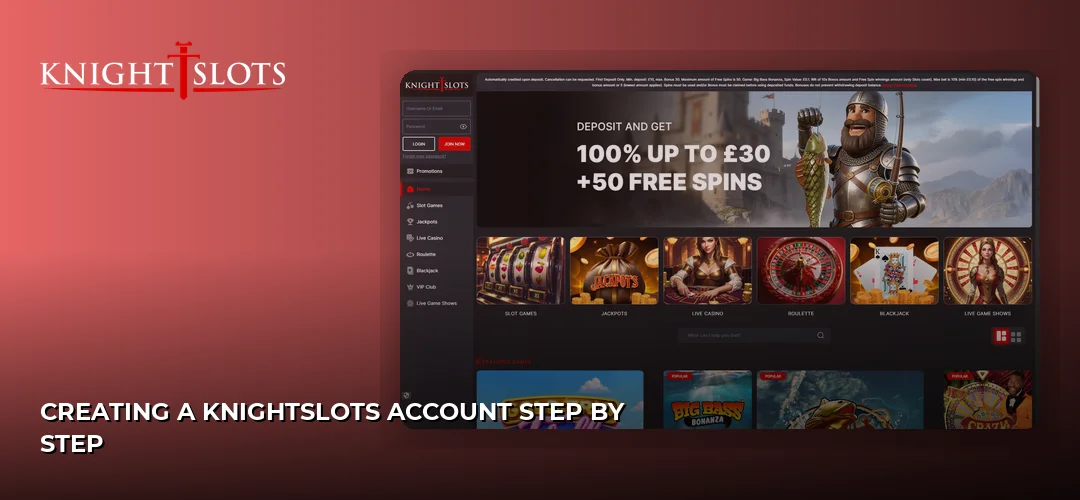
Registration at Knightslots is a single-form process: you open the sign-up page, fill in your personal and contact details, pick your login credentials and confirm. The one hard eligibility rule is age — the operator requires every player to be at least 18 years old, or the minimum legal age in the jurisdiction from which they access the site.
- Eligibility: minimum age of 18 (or the local legal minimum if higher).
- Credentials: a username and password you create during sign-up; the operator treats any session where the correct username and password are entered — or a biometric login is used — as you, so choose credentials nobody else can guess.
- Identity data: the details you enter must match the documents you will later submit, because the operator verifies accounts against a passport, driving licence or official ID.
Once the form is submitted you can fund the account and play. Deposit options and their limits are covered on a dedicated page: Knightslots payment methods.
Account Verification Requirements
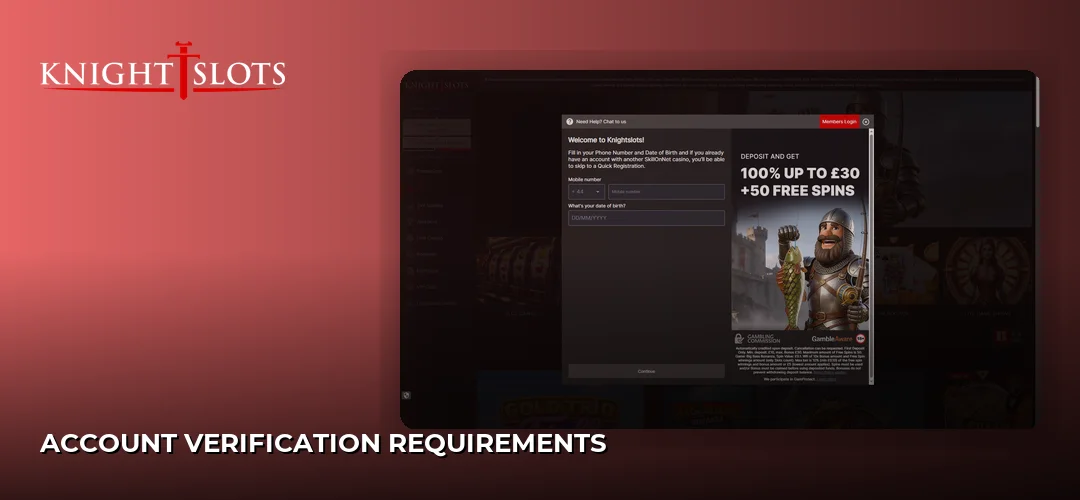
Knightslots runs standard KYC and anti-money-laundering checks, and the documents it accepts for proof of age are fixed: a copy of your passport, a copy of your driving licence, and/or a copy of an official ID. One clear, valid document from that list is the core of the verification file.
- Copy of passport
- Copy of driving licence
- Copy of an official ID
The operator states that it may, at its sole discretion, take action to comply with Anti-Money Laundering (AML) and Responsible Gambling regulations — including suspending a player’s ability to deposit, withdraw or play while checks are outstanding. Practically, that means a withdrawal can be delayed or stopped until final approval is received for any outstanding deposit transaction, or if the originally deposited funds are not received within 24 hours. Submitting clean, readable copies of your ID before you request your first cash-out removes the most common cause of a frozen payout.
How to Log In to Knightslots Casino
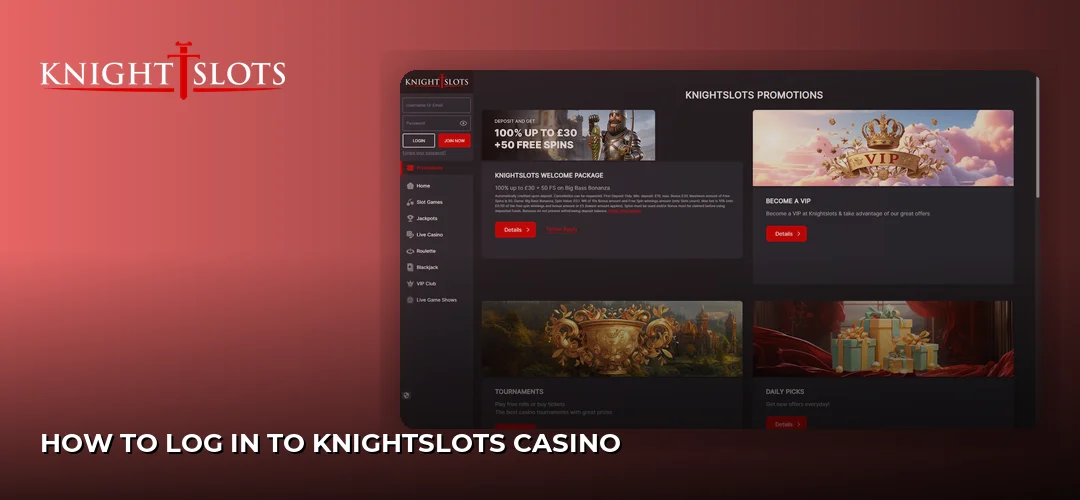
To access your account, open the Knightslots login page and enter the username and password you created at registration. The operator also supports biometric login functions, so on a compatible phone or tablet you can sign in with a fingerprint or face scan instead of typing credentials.
Two things follow from how the operator’s terms are written. First, anyone who enters your correct username and password — or passes your biometric login — is treated as you, and transactions made in that session stand. Second, that makes your credentials the single point of failure for your balance: never share them, and do not save them on shared devices. If you prefer playing on a handset, the mobile setup is described here: Knightslots mobile app.
Troubleshooting Login Issues
Most Knightslots login problems come down to a wrong username or password — check for caps lock and typos first, since the operator’s system treats any correctly entered credential pair as a valid session. If access still fails or the account appears restricted, the cause is usually a compliance hold rather than a technical fault.
- Compliance holds: under its AML and Responsible Gambling obligations, the operator may suspend your ability to deposit, withdraw or play. If your login works but actions are blocked, this is the likely reason.
- Pending transactions: withdrawals can be delayed or stopped while a deposit transaction awaits final approval, which can look like an account problem from the player’s side.
- Support route: for anything you cannot resolve yourself, contact customer support — the same channel the operator gives for account closure requests.
Account Security and Responsible Gaming Settings
Because the operator holds you responsible for every session opened with your correct credentials, password strength is your main defence. Use a long, unique password for Knightslots that you do not reuse anywhere else, and enable biometric login on your personal device rather than storing the password in a shared browser.
On the responsible-gambling side, the operator runs a Player Limitation page where you can set restrictions on your account. If you decide to step away entirely, you can close your Knightslots account in two ways: by visiting the Player Limitation page and choosing the Close Account option, or by contacting customer support and asking them to close it. Players comparing account controls across related brands will find the same login credentials are per-site — each casino account is registered separately, so check the terms of any sister site before signing up there.
Frequently Asked Questions about Knightslots
How do I sign up at Knightslots casino?
Open the registration form, enter your personal and contact details, create a username and password, and confirm the account. You must be at least 18 years old, or the minimum legal age in your jurisdiction. After signing up you can log in immediately and verify your identity before your first withdrawal.
How do I log in to my Knightslots account?
Enter your username and password on the login page, or use the biometric login function on a compatible device. The operator treats any session where the correct username and password are entered — or a biometric login succeeds — as you, so keep your credentials private.
What documents are needed for Knightslots verification?
The operator accepts three documents as proof of age: a copy of your passport, a copy of your driving licence, and/or a copy of an official ID. Submit a clear copy of one of these so AML and responsible-gambling checks do not hold up your deposits, gameplay or withdrawals.
How long does Knightslots account verification take?
The operator’s terms reference a 24-hour window for deposited funds: a withdrawal can be delayed or stopped until final approval is received for any outstanding deposit transaction, or if your original deposited funds are not received within 24 hours. Verifying your ID before requesting a payout avoids extra waiting.
Registration done right — accurate details, a strong password and ID verified before your first cash-out — is what keeps your withdrawals moving. Set up your Knightslots account now.